AI for Small Business in 2026: From Hype to Actual Results
The AI hype is settling into reality. Here's what actually works for small businesses, what's still overpromised, and how to get real results without the headaches.
Two years ago, every business article promised AI would revolutionize everything. Automate your entire business! Replace your marketing team! Generate infinite content!
Now we're in 2026, and reality has settled in. TechCrunch recently declared this "the year AI moves from hype to pragmatism." That's a polite way of saying: the promises got ahead of the actual usefulness.
But here's the thing—AI genuinely is useful for small businesses. Just not in the ways the hype suggested.
After helping dozens of local businesses figure out what works (and watching many waste time on what doesn't), here's my honest assessment of AI for small business in 2026.
The Reality Check: What AI Actually Does Well
Let's start with what AI genuinely excels at for small businesses.
1. Handling Repetitive Communication
What works:
- Drafting routine email responses
- Creating first versions of proposals and quotes
- Generating FAQ answers
- Summarizing long documents or emails
Real example: A property manager I work with uses AI to draft responses to routine tenant inquiries. She reviews and personalizes each one, but the AI handles the 80% that's boilerplate. Saves her about 5 hours a week.
What doesn't work: Fully automated customer communication without human review. Customers can tell, and it damages trust.
2. Research and Information Synthesis
What works:
- Summarizing industry reports
- Comparing product options
- Researching competitors
- Finding statistics and data points
- Explaining technical concepts in plain language
Real example: Before a meeting with a new client in an industry I didn't know well, I used AI to summarize key trends, common challenges, and relevant terminology. Twenty minutes of AI-assisted research gave me enough context to have an intelligent conversation.
What doesn't work: Trusting AI research without verification. It still makes things up occasionally, especially with specific facts and figures.
3. Content Ideation and Outlining
What works:
- Generating topic ideas based on your expertise
- Creating outlines for blog posts or presentations
- Suggesting angles you hadn't considered
- Breaking down complex topics into digestible sections
Real example: I'll often ask AI for 20 blog post ideas related to a topic, knowing that 15 will be generic but 5 might spark something useful. It's a brainstorming partner, not a content creator.
What doesn't work: AI-generated content published without heavy human editing. See my previous post on AI slop—generic AI content is flooding the internet and audiences are tuning it out.
4. Administrative Tasks
What works:
- Transcribing meetings and calls
- Generating meeting summaries and action items
- Creating basic spreadsheet formulas
- Formatting and organizing information
- Proofreading and grammar checking
Real example: Meeting transcription and summary tools have genuinely changed how I document client calls. Instead of scribbling notes and forgetting half of what was said, I get a complete transcript and AI-generated summary within minutes.
What doesn't work: Relying on AI for anything requiring judgment or context it doesn't have.
5. Simple Image Tasks
What works:
- Removing backgrounds from product photos
- Basic image resizing and formatting
- Generating simple graphics for social media
- Creating variations of existing designs
Real example: Need to quickly remove the background from a product photo for your website? AI tools do this in seconds, whereas it used to require Photoshop skills or outsourcing.
What doesn't work: AI-generated images for professional use. They still look obviously AI-generated, and the "AI look" is increasingly associated with low-quality or spam content.
What AI Still Overpromises
Let's be honest about where the hype exceeds reality.
"AI Will Handle Your Marketing"
The promise: Automated marketing campaigns, AI-written content, hands-off lead generation.
The reality: AI can assist with marketing tasks, but anything customer-facing still needs human oversight. AI-generated social posts feel hollow. AI-written emails lack personality. AI marketing strategies miss the nuances of your specific market.
My advice: Use AI for research, ideation, and first drafts. Keep humans in charge of strategy and final output.
"AI Chatbots Will Replace Customer Service"
The promise: 24/7 automated customer support, instant responses, reduced staffing needs.
The reality: For simple, repetitive questions, chatbots work fine. For anything requiring nuance, empathy, or complex problem-solving, they frustrate customers more than they help. And frustrated customers tell everyone.
My advice: Use chatbots for after-hours FAQ handling and initial routing. Have humans handle anything requiring judgment.
"AI Will Write All Your Content"
The promise: Endless blog posts, social media content, email campaigns—all generated automatically.
The reality: AI content is increasingly recognizable and increasingly ignored. Google's algorithms are getting better at identifying (and not rewarding) low-quality AI content. Your audience wants to hear from you, not from a language model.
My advice: Use AI to overcome writer's block and create first drafts. But the final product should be unmistakably yours.
"AI Agents Will Run Your Business"
The promise: Autonomous AI that handles everything from scheduling to sales to operations.
The reality: We're not there yet. "Agentic AI" is the hot buzzword for 2026, but for small businesses, truly autonomous AI agents are still more promise than reality. The technology exists in demos; reliable day-to-day use is another story.
My advice: Ignore the agent hype for now. Focus on specific, proven tools that do one thing well.
A Practical AI Toolkit for Small Business
Based on what actually works, here's my recommended approach for small businesses in 2026.
Tier 1: Start Here (High Value, Low Risk)
These tools deliver clear value with minimal learning curve:
Meeting transcription/summaries:
- Otter.ai, Fireflies.ai, or built-in tools like Zoom AI Companion
- Use case: Never miss what was said in a meeting again
- Time savings: 2-5 hours/week for meeting-heavy businesses
Email drafting assistance:
- Gmail's Help Me Write, Outlook Copilot, or standalone tools
- Use case: First drafts of routine emails
- Time savings: 30-60 minutes/day for email-heavy roles
Grammar and writing improvement:
- Grammarly (AI features) or built-in tools
- Use case: Catching errors and improving clarity
- Quality improvement: Significant for anyone who writes regularly
Background removal and basic image editing:
- Remove.bg, Canva AI features
- Use case: Quick product photos and social images
- Cost savings: No need for design software for simple tasks
Tier 2: Worth Exploring (Moderate Value, Some Learning)
These require more setup but deliver solid returns:
Research assistants:
- ChatGPT, Claude, Perplexity for research tasks
- Use case: Market research, competitor analysis, learning new topics
- Time savings: 1-3 hours/week depending on research needs
Content ideation:
- AI chat tools for brainstorming
- Use case: Generating topic ideas, outlines, angles
- Value: Overcomes blank-page syndrome
Document analysis:
- AI tools for summarizing contracts, reports, or long documents
- Use case: Quickly understanding lengthy materials
- Time savings: Significant for document-heavy businesses
Tier 3: Proceed with Caution (Potential Value, Higher Risk)
These can be useful but require careful implementation:
Customer service chatbots:
- Only for specific, well-defined use cases
- Requires careful scripting and regular monitoring
- Easy to damage customer relationships if done poorly
Social media scheduling with AI suggestions:
- Can help with consistency
- Still needs human curation and approval
- Don't let AI determine your brand voice
AI-assisted SEO tools:
- Useful for keyword research and content optimization
- Don't let them drive your content strategy
- Still needs human judgment on what's worth creating
Tier 4: Skip for Now (More Hype Than Help)
These get a lot of attention but don't deliver for most small businesses:
Fully autonomous AI agents: The technology isn't reliable enough yet
AI-generated images for professional use: Still too obviously fake
Complete content automation: Damages brand and SEO performance
AI voice cloning/video avatars: Uncanny valley problems and trust issues
How to Actually Implement AI (Without Wasting Time)
Here's my practical process for adding AI tools to your business:
Step 1: Identify Your Time Sinks
Before looking at tools, identify where you're losing time:
- What repetitive tasks eat up your week?
- Where do you get bogged down?
- What do you procrastinate because it's tedious?
AI works best on tedious, repetitive, time-consuming tasks that don't require deep expertise or judgment.
Step 2: Try One Tool at a Time
Don't subscribe to five AI services at once. Pick the single biggest time sink from your list and find one tool to address it.
Use it for two weeks before evaluating:
- Is it actually saving time?
- Is the output quality acceptable?
- Does it integrate with your workflow?
Step 3: Build It Into Your Process
A tool isn't useful if you forget to use it. Build AI into your existing workflows:
- Transcription runs automatically on all meetings
- Email drafting is one click away in your inbox
- Grammar checking happens in real-time as you type
Step 4: Review and Adjust Monthly
Set a monthly reminder to evaluate:
- What's working?
- What's not being used?
- What new pain points have emerged?
- Are there better tools available?
Step 5: Keep Humans in the Loop
For anything customer-facing or consequential, maintain human oversight:
- Review AI-drafted communications before sending
- Check AI research for accuracy
- Edit AI content to add your voice and expertise
- Monitor AI customer interactions for quality
The Real ROI Calculation
Here's how to think about AI investment:
Calculate Your Time Value
What's an hour of your time worth to your business? Be honest—if you're the owner, it's probably higher than you think.
If your time is worth $100/hour and an AI tool saves you 5 hours a week, that's $500/week in value—or $2,000/month.
Factor in Quality and Risk
Time savings don't matter if quality suffers:
- Does AI output require heavy editing? Factor in that time.
- Could AI mistakes damage customer relationships? Factor in that risk.
- Will AI content hurt your brand perception? Factor in that cost.
Compare to Alternatives
Sometimes AI isn't the best solution:
- Hiring a part-time assistant might be better than AI for some tasks
- Outsourcing to a specialist might beat AI for quality-critical work
- Simplifying your process might eliminate the need entirely
Start Small, Scale What Works
Don't commit to expensive annual subscriptions upfront. Most AI tools have free tiers or monthly plans. Prove value before committing.
My Honest Take
Here's what I tell clients who ask about AI:
AI is a genuine productivity tool when used for the right tasks. I use AI tools daily, and they save me real time.
AI is not a replacement for expertise. It can help you work faster, but it can't replace what you know about your business, your industry, and your customers.
AI is not a magic solution. It won't fix a broken business model, compensate for poor customer service, or replace the need for genuine human connection.
The businesses winning with AI aren't the ones using the most AI. They're the ones using AI strategically for specific, well-defined tasks while keeping humans in charge of everything that matters.
Getting Started This Week
If you're new to AI tools, here's your action plan:
This week:
- Sign up for one meeting transcription tool
- Try your email provider's AI drafting feature
- Use ChatGPT or Claude to research one topic you've been putting off
This month:
- Identify your three biggest time sinks
- Find one AI tool that addresses the biggest one
- Use it consistently for two weeks
- Evaluate whether it's actually helping
This quarter:
- Build working AI tools into your standard processes
- Cut any tools that aren't delivering value
- Explore one new tool in your Tier 2 list
The Bottom Line
AI in 2026 is useful but not magical. The hype is settling into reality, and that's actually good news—we can now see clearly what works and what doesn't.
Use AI for what it's good at: tedious tasks, first drafts, research, and administrative work. Keep humans in charge of strategy, customer relationships, and anything that requires your unique expertise.
The goal isn't to automate everything. It's to automate the right things so you have more time for the work that actually matters.
Want help figuring out which AI tools make sense for your specific business? Let's talk through your options—no pressure, just honest advice.
Tags

About Kevin Wolff
Kevin is a web developer and digital strategist based in Ocean City, MD. He specializes in creating modern websites, SharePoint solutions, and digital marketing strategies that help businesses grow online.
Free: AI Readiness Checklist
Subscribe and instantly download our 15-question checklist to discover where AI automation can save you time and grow your business.
Related Articles
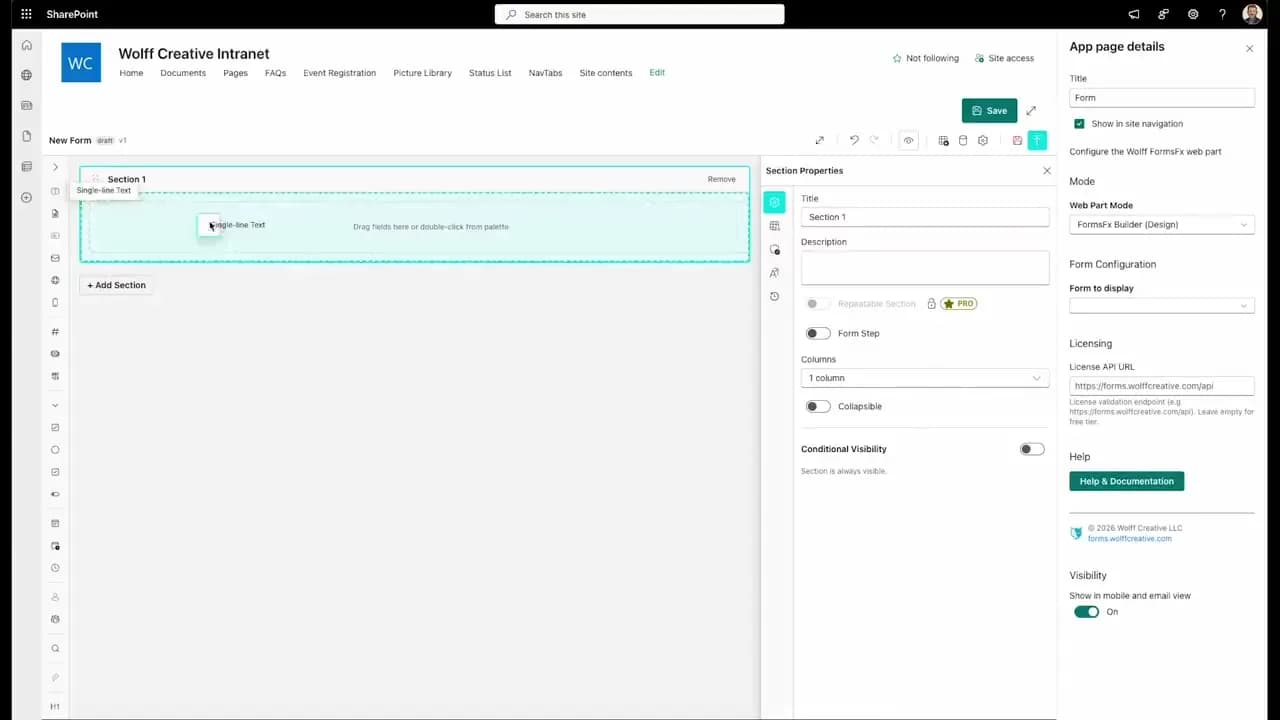
FormsFx: A Drag-and-Drop SharePoint Form Builder with Rules, Formulas, and Cascading Dropdowns
We built a SharePoint form builder that does what InfoPath did — conditional logic, calculated fields, cascading dropdowns — but runs natively as an SPFx web part. Here's how it works under the hood.
Read More →
FormsFx Has a Built-In Submissions Dashboard — Here's Why That Matters
Most SharePoint form builders stop at form submission. FormsFx includes a full dashboard for managing, searching, filtering, exporting, and approving submissions — no Power BI or custom views required.
Read More →
Offline Forms, Webhook Signatures, and Enterprise Connectors — FormsFx Beyond SharePoint Lists
FormsFx doesn't just write to SharePoint lists. It supports offline submission queuing, HMAC-signed webhooks for Power Automate, and enterprise connectors for SQL Server, Dataverse, REST APIs, and Azure Service Bus.
Read More →Need Help With This?
I help Eastern Shore businesses with web development, marketing, and AI automation. Let's talk about your project.
Need Help With Your Project?
Ready to take your business to the next level? Let's discuss how I can help.