Offline Forms, Webhook Signatures, and Enterprise Connectors — FormsFx Beyond SharePoint Lists
FormsFx doesn't just write to SharePoint lists. It supports offline submission queuing, HMAC-signed webhooks for Power Automate, and enterprise connectors for SQL Server, Dataverse, REST APIs, and Azure Service Bus.
Most people think of FormsFx as a SharePoint form builder — and it is. But the features that make it production-ready for enterprise environments go well beyond drag-and-drop design and conditional logic.
This post covers three capabilities that don't get enough attention: offline form submission, webhook integration with cryptographic verification, and enterprise connectors that route submission data to systems outside SharePoint.
Offline Form Submission
Here's a scenario that comes up more often than you'd expect: a field technician fills out an inspection form on a tablet in a warehouse with spotty Wi-Fi. A healthcare worker completes a patient intake form in a building where cell signal drops in certain wings. A construction manager submits a safety report from a job site with no connectivity.
In all of these cases, the default behavior of any web form is: you fill it out, you click Submit, the request fails silently or shows an error, and your data is gone.
How FormsFx Handles It
FormsFx detects when the browser is offline using the navigator.onLine API and online/offline event listeners. When a user submits a form while offline:
-
The submission is queued in localStorage — not lost. The queue stores the complete submission payload along with metadata: form title, target list ID, site URL, timestamp, and retry count.
-
The user sees a confirmation that their submission has been saved locally and will sync when connectivity returns.
-
When the browser comes back online, FormsFx automatically flushes the queue — submitting each queued entry to SharePoint in order.
-
Retries are automatic. If a queued submission fails (maybe the list was temporarily locked or there was a transient error), it retries up to 5 times before giving up and flagging the entry.
-
Storage limits are handled gracefully. If localStorage hits its quota, the oldest queued entries are dropped first. In practice, localStorage gives you 5-10MB depending on the browser — enough for dozens of queued form submissions.
When This Matters
Offline support isn't just for remote workers. It's relevant in any environment where connectivity is unreliable:
- Warehouses and manufacturing floors — Wi-Fi dead zones are common
- Healthcare facilities — Thick walls, Faraday-cage-like rooms, congested networks
- Field service — Job sites, inspections, outdoor events
- Large events — Conference check-in forms when 500 people hit the same Wi-Fi
- Commuters — Filling out a form on a train that passes through tunnels
The key insight is that offline support doesn't require the user to do anything differently. They fill out the form and click Submit. If they're online, it submits immediately. If they're offline, it queues and syncs later. The experience is transparent.
Webhooks with HMAC-SHA256 Signatures
FormsFx can send a webhook — an HTTP POST request — to an external URL every time a form is submitted. The most common use case is triggering a Power Automate flow, but it works with any system that can receive HTTP requests: Zapier, Make, Azure Logic Apps, custom APIs, Slack incoming webhooks, you name it.
The Basics
Configure a webhook URL in the form settings. When a submission occurs, FormsFx POSTs the submission data (or just metadata, depending on your configuration) to that URL. The request fires asynchronously — it doesn't block the form submission. If the webhook endpoint is slow or down, the user's submission still succeeds.
The Security Layer: HMAC Signatures
Here's where it gets interesting. Any system that accepts incoming webhooks has a security problem: how do you know the request is legitimate? Anyone who discovers your webhook URL could send fake submissions.
FormsFx solves this with HMAC-SHA256 request signing. When you configure a webhook, you set a shared secret. On every webhook request, FormsFx computes an HMAC-SHA256 hash of the request body using that secret and includes it in the X-FormBuilder-Signature header.
The receiving system (your Power Automate flow, your Azure Function, your API) can verify the signature by:
- Reading the request body
- Computing the HMAC-SHA256 hash using the same shared secret
- Comparing it to the signature in the header
- Rejecting the request if they don't match
This is the same approach GitHub uses for webhook signatures, and it's the right way to secure webhook integrations. No API keys in URLs, no IP whitelisting, no security through obscurity.
Power Automate Integration
The most common pattern is using a Power Automate "When an HTTP request is received" trigger. FormsFx fires the webhook, Power Automate picks it up, and from there you can:
- Send notification emails
- Create tasks in Planner or To Do
- Update records in Dynamics 365
- Post to Teams channels
- Trigger approval flows
- Write to external databases
- Anything else Power Automate can do
The webhook payload includes all form field data as a JSON object, making it straightforward to map fields to Power Automate actions.
Enterprise Connectors
For organizations that need form submissions to flow into systems beyond SharePoint, FormsFx Enterprise ($99/month per tenant) includes native connectors that route data directly — without building Power Automate flows for each form.
SQL Server / Azure SQL Connector
Route form submissions to a SQL Server database. This is common in organizations where SharePoint is the user-facing layer but the system of record is a relational database.
How it works:
- Configure a connection string (direct or via Azure Function proxy for on-premises databases)
- Map form fields to database columns
- On submission, FormsFx writes to both SharePoint and SQL Server
- Retry logic handles transient failures (up to 5 retries)
- The SQL write is fire-and-forget — it doesn't block the SharePoint submission
Use cases:
- Feeding form data into a data warehouse for reporting
- Integrating with line-of-business applications that read from SQL
- Maintaining a secondary data store outside the SharePoint ecosystem
- Migrating from InfoPath forms that wrote to SQL via custom code-behind
Dataverse / Dynamics 365 Connector
Submit form data directly to Microsoft Dataverse tables. This bridges the gap between SharePoint forms and the Power Platform data layer.
How it works:
- Authenticate via OAuth 2.0 to your Dataverse environment
- Map form fields to Dataverse table columns
- Submissions create new rows in the target table
- Supports standard and custom tables
Use cases:
- Feeding SharePoint form data into Dynamics 365 processes
- Creating Dataverse records without requiring users to have Power Apps licenses
- Bridging departments that use SharePoint with teams that use Model-Driven Apps
- Centralizing data from multiple SharePoint forms into a single Dataverse table
REST API Connector
The most flexible connector — POST, PUT, or PATCH form data to any HTTP endpoint.
How it works:
- Configure the endpoint URL and HTTP method
- Set authentication: API key (header-based) or OAuth 2.0
- Map form fields to the JSON payload structure
- On submission, FormsFx sends the mapped data to the endpoint
Use cases:
- Integrating with custom APIs and microservices
- Sending data to third-party SaaS platforms (CRM, ERP, ITSM)
- Feeding internal tools and dashboards
- Any integration where a direct HTTP call is simpler than a Power Automate flow
Azure Service Bus Connector
Publish form submissions as messages to an Azure Service Bus queue or topic.
How it works:
- Configure the Service Bus connection string
- Specify the queue or topic name
- Submission data is serialized as a JSON message and published
- Downstream consumers process messages at their own pace
Use cases:
- Decoupling form submission from downstream processing
- High-volume forms where direct database writes would create bottlenecks
- Event-driven architectures where form submissions trigger multiple downstream actions
- Guaranteed delivery scenarios where message queuing is more reliable than direct HTTP
Connector Architecture
All connectors share the same design principles:
- Non-blocking — Connector writes happen asynchronously after the SharePoint submission succeeds. A connector failure never prevents the form from submitting to SharePoint.
- Retry logic — Up to 5 automatic retries with backoff for transient failures.
- Field mapping — Each connector has its own field-to-target mapping, independent of the SharePoint column mapping. You can send different fields to different systems.
- Optional dual-write — Always writes to SharePoint. Connector writes are in addition to, not instead of, the SharePoint submission.
URL Prefill and Dynamic Tokens
Two more features that come up frequently in enterprise deployments:
URL Prefill
Pre-populate form fields from URL query strings:
https://yoursite.sharepoint.com/sites/HR/SitePages/NewHire.aspx?field-Department=Engineering&[email protected]&field-StartDate=2026-04-15
This is useful for:
- Email links — HR sends a link with the employee's department and manager pre-filled
- QR codes — A QR code on a piece of equipment encodes the asset ID in the URL
- Dashboard links — A Power BI report links to a form with context pre-filled
- Cross-form workflows — One form's confirmation page links to another form with relevant data carried over
FormsFx handles type coercion automatically. Numbers parse as numbers. "true", "1", and "yes" become boolean true. Comma-separated values become arrays for multi-select fields.
Dynamic Tokens
Default values can include tokens that resolve at runtime:
[me]— Current user's display name[me.email]— Current user's email address[me.id]— Current user's ID[today]— Today's date in ISO format[now]— Current date and time[formTitle]— The form's title
A "Submitted By" field with a default of [me] auto-fills with the current user. A "Submission Date" field with [today] captures the date. A "Request ID" auto-column can use [formTitle]-[me] to generate contextual identifiers.
The Big Picture
FormsFx is a SharePoint form builder — that part is straightforward. But the offline queue, webhook signatures, and enterprise connectors turn it into an integration platform for form data.
The offline queue means forms work everywhere, not just at a desk with a stable connection. Webhooks with HMAC signing mean Power Automate flows and external systems get verified, trustworthy submission events. Enterprise connectors mean form data flows to SQL, Dataverse, REST APIs, and Service Bus without building middleware for each form.
All of this runs as a single SPFx web part inside your SharePoint tenant. No external servers, no additional infrastructure, no data leaving your environment unless you explicitly configure a connector to send it somewhere.
Enterprise connectors and advanced features are available in FormsFx Enterprise ($99/month per tenant). Offline queue and webhooks are included in Pro ($29/month). Explore all features at formsfx.wolffcreative.com or contact us to discuss your requirements.
Tags

About Kevin Wolff
Kevin is a web developer and digital strategist based in Ocean City, MD. He specializes in creating modern websites, SharePoint solutions, and digital marketing strategies that help businesses grow online.
Free: AI Readiness Checklist
Subscribe and instantly download our 15-question checklist to discover where AI automation can save you time and grow your business.
Related Articles
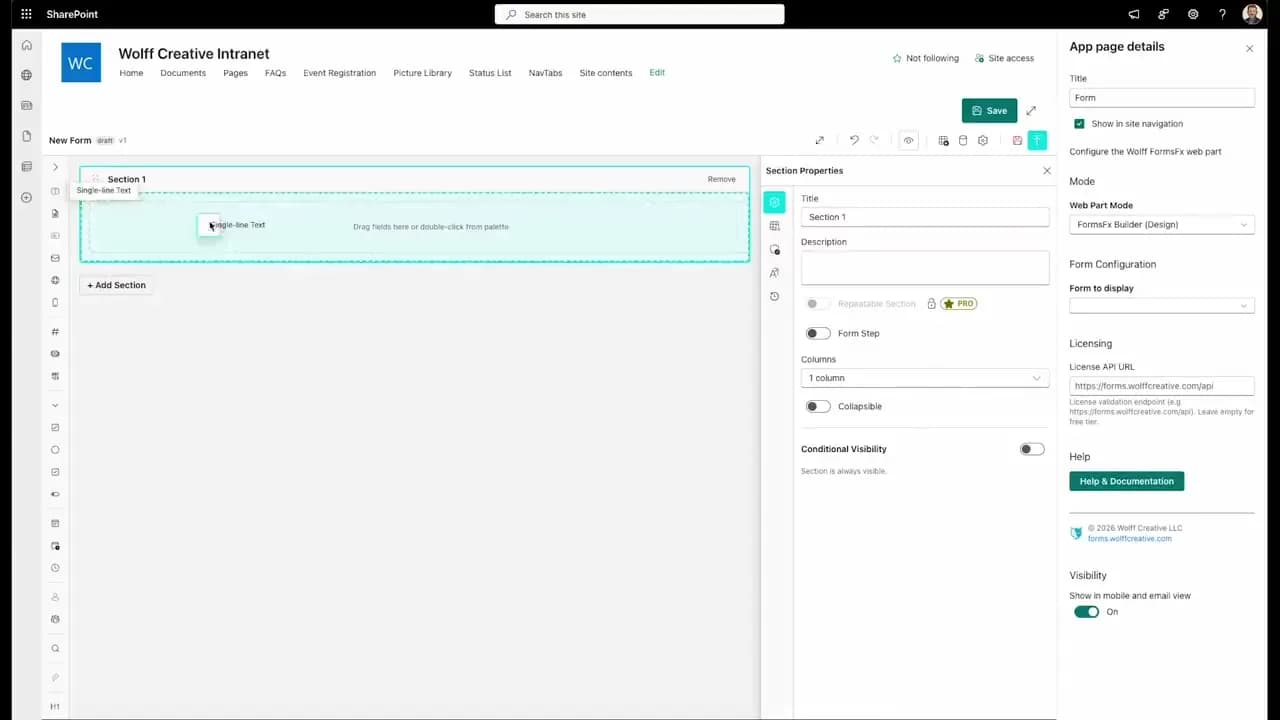
FormsFx: A Drag-and-Drop SharePoint Form Builder with Rules, Formulas, and Cascading Dropdowns
We built a SharePoint form builder that does what InfoPath did — conditional logic, calculated fields, cascading dropdowns — but runs natively as an SPFx web part. Here's how it works under the hood.
Read More →
FormsFx Has a Built-In Submissions Dashboard — Here's Why That Matters
Most SharePoint form builders stop at form submission. FormsFx includes a full dashboard for managing, searching, filtering, exporting, and approving submissions — no Power BI or custom views required.
Read More →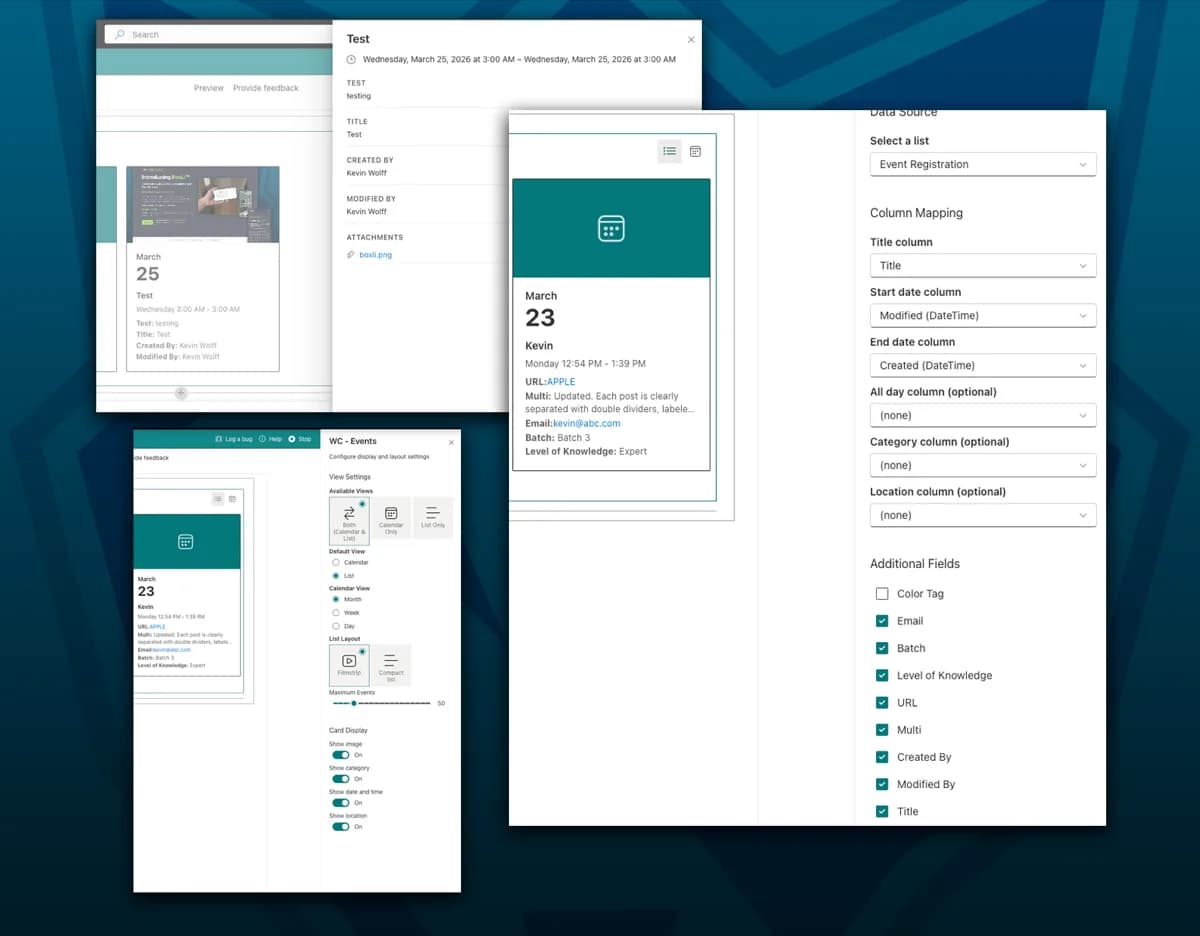
WC - Events: A Free SharePoint Web Part That Shows the Fields You Actually Need
The out-of-the-box SharePoint Events web part ignores your custom columns. WC - Events lets you pick any list, map your columns, and choose exactly which fields appear — no code required.
Read More →Need Help With This?
I help Eastern Shore businesses with web development, marketing, and AI automation. Let's talk about your project.
Need Help With Your Project?
Ready to take your business to the next level? Let's discuss how I can help.